Stories
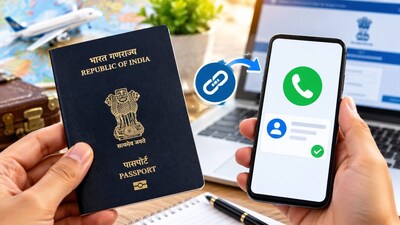
Update Your Mobile Number In Passport Easily From Home
N
News18•11-10-2026, 12:05
Update Your Mobile Number In Passport Easily From Home
- •Linking your mobile number to your passport is essential to receive important updates regarding passport renewal police verification and application status.
- •To update your mobile number visit the official Passport Seva website at www.passportindia.gov.in and log in using your credentials.
- •Go to the My Profile section select Contact Details replace the old mobile number with your new number and click update.
- •Enter the 6-digit OTP sent to your new mobile number and complete the verification process to successfully update your number.
Key Questions Answered
To update or link your mobile number to your passport, you must visit the official Passport Seva website at www.passportindia.gov.in and log into your account.
Failing to link your mobile number means you may miss important real-time alerts, notifications, and essential OTPs required for passport renewal, police verification, and delivery tracking. However, a passport will not be cancelled solely because a mobile number is unlinked.
After logging into the Passport Seva portal using your ID and password, navigate to 'My Profile' and select 'Contact Details'. Replace your old number with the new one, click 'Update', enter the 6-digit OTP sent to your phone, and complete the verification.