Stories
How to Update New Address on Aadhaar and PAN Cards Online
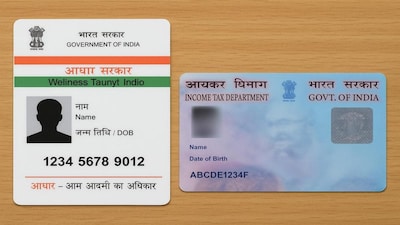
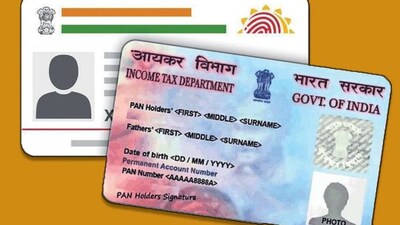
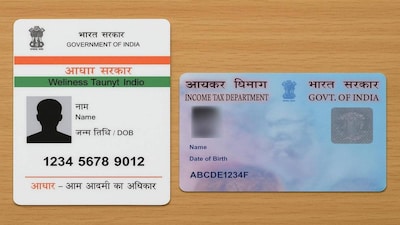
- •Keeping your address updated on Aadhaar and PAN cards is essential for banking, tax tasks, and government services.
- •It is recommended to update your new address in Aadhaar first by logging into the UIDAI myAadhaar portal or app.
- •Submit the correct address along with a valid address proof and save the URN number to track your Aadhaar application status.
- •Once updated in Aadhaar, visit the Protean or UTIITSL website to initiate the address change process for your PAN card.
- •You can easily update your PAN card address by opting for the Aadhaar-based e-KYC verification method.
Key Questions Answered
You can update your address online by logging into the UIDAI myAadhaar portal or mobile app using your Aadhaar number and registered mobile number OTP. Select the Address Update option, enter your new address accurately as shown in your valid address proof, upload the required document, and submit the form to receive a URN for status tracking.
Once your new address is updated in Aadhaar, visit the Protean (NSDL) or UTIITSL website and select the Change/Correction in PAN Data option. Enter your PAN number, fill in the required information, and choose the Aadhaar-based e-KYC option to complete verification via OTP, which updates your PAN records with the new address.
If you have relocated but retain your old address on your Aadhaar and PAN cards, you might face future difficulties and document discrepancies when handling tasks like opening a bank account, managing tax work, or using government services.