Stories
How to Update Mobile Number in Vehicle RC Online Without Visiting RTO
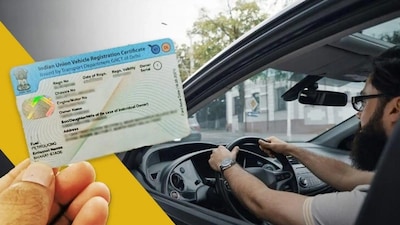
- •Vehicle owners no longer need to visit the RTO office to change the mobile number registered in their RC.
- •The official VAHAN portal by the Ministry of Road Transport and Highways provides an easy online facility for this update.
- •Users can log in to the VAHAN website, access the My Profile section, and select the Update Mobile Number option.
- •An OTP is sent to the new mobile number, and entering it successfully completes the update process.
- •Keep your vehicle registration number, chassis number, and engine number handy while performing the online update.
Key Questions Answered
You can update your mobile number online by visiting the official VAHAN portal of the Ministry of Road Transport and Highways, logging into online services, opening the 'My Profile' section, selecting 'Update Mobile Number', entering your new number, and verifying it via OTP.
Before starting the online process, keep your vehicle's RC handy as you may be required to enter the Registration Number, and in some procedures, details like the Chassis Number or Engine Number for verification.
No, you do not need to visit the RTO office every time, as an online facility is available on the VAHAN portal for general mobile number updates. However, if the update option is unavailable or vehicle details do not match, you will need to contact your respective RTO.