Stories
How to Update Address in Aadhaar and PAN Card from Home with Simple Steps
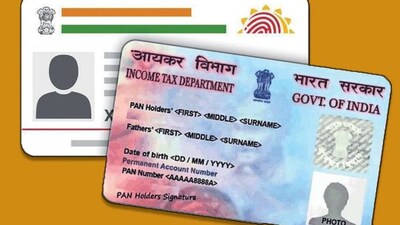
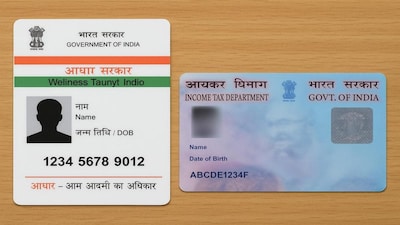
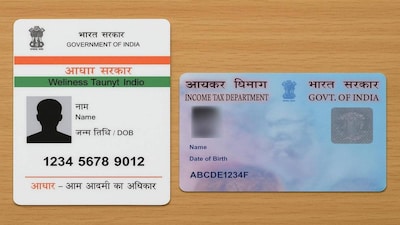
- •Aadhaar and PAN cards are essential documents needed for banking, taxes, and government services.
- •It is recommended to update your new address in Aadhaar first using the UIDAI myAadhaar portal or mobile app.
- •Provide a valid address proof and note down the Update Request Number (URN) to track your Aadhaar status.
- •Once updated in Aadhaar, you can change your address in PAN using the Protean (NSDL) or UTIITSL websites.
- •You can easily update your PAN card address using Aadhaar-based e-KYC and OTP verification.
Key Questions Answered
You can update your address online by logging into UIDAI's myAadhaar portal or mobile app using your Aadhaar number and registered mobile number OTP verification, selecting the address update option, entering the new address from a valid proof, uploading the required document, and submitting to receive a URN for status tracking.
After updating your Aadhaar, visit the Protean (NSDL) or UTIITSL website, select the change or correction option in PAN data, and enter your PAN details. You can then complete the update by choosing the Aadhaar-based e-KYC verification option using an OTP.
Updating your address in both documents is necessary because if you move to a new house and leave old addresses registered, having mismatched information across critical identity documents can cause significant problems when accessing bank accounts, tax services, or government schemes.