Stories
How to Update Address on Aadhaar and PAN Card from Home Easily
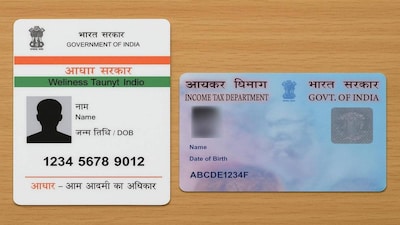
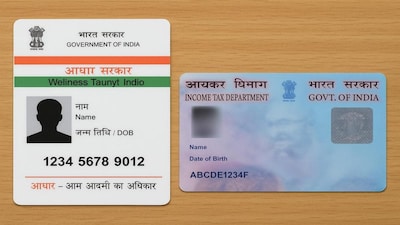
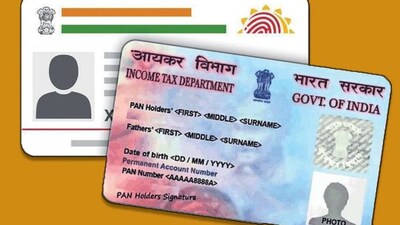
- •You can easily update your new address on both Aadhaar and PAN cards online from the comfort of your home.
- •First, update your address on the Aadhaar card using the UIDAI website or mobile app by uploading valid address proof.
- •After submitting the Aadhaar update, save the URN number to track the status of your application easily.
- •Once the address is updated in Aadhaar, visit the Protean or UTIITSL website to update your PAN card.
- •Use the Aadhaar-based e-KYC option with OTP verification to sync and update your new address in the PAN records.
Key Questions Answered
You can update your address on the Aadhaar card by visiting the UIDAI myAadhaar website or mobile app, logging in with your Aadhaar number, verifying via OTP, selecting the address update option, entering the exact details from your valid address proof, and uploading the required document. After submission, you will receive a URN to track the application status.
Once your address is updated in Aadhaar, you can visit the Protean (NSDL) or UTIITSL website, select the change or correction in PAN data option, and choose the Aadhaar-based e-KYC method. Completing the OTP verification via e-KYC allows you to seamlessly update the new Aadhaar address into your PAN records.
It is important because documents like Aadhaar and PAN are required for opening bank accounts, tax tasks, or government services. Having an outdated address can create a mismatch and cause problems whenever you need to use these essential documents in the future.