Stories
How to permanently remove your phone number from Truecaller
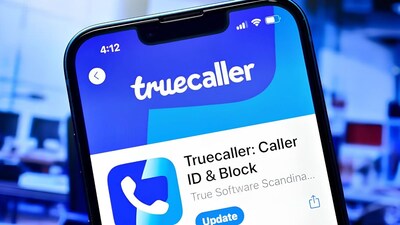
- •To remove your number from Truecaller, you must first deactivate your account through the app.
- •Android users can access this via the three-dot menu and iPhone users via their profile picture under the Privacy Centre.
- •Simply closing the account does not delete your number from the database, requiring a separate unlisting process.
- •You need to visit Truecaller's official unlisting website, enter your phone number with the country code, and submit the request.
- •The complete removal process from the database may take up to 24 hours.
Key Questions Answered
To deactivate your account, open the Truecaller app, tap the three-dot menu on Android or your profile picture on iPhone, and go to settings. Select the 'Privacy Centre' option, choose 'Deactivate My Account', and confirm by selecting 'Yes' and then 'Continue'.
No, deactivating your Truecaller account and removing your phone number from the company's database are not the same thing. Even after closing your account, your number may remain in the directory unless you separately submit an unlisting request.
First, deactivate your account through the app. Then, go to Truecaller's official website, locate the 'Unlisting' section, enter your phone number with the correct country code, and submit the request. The removal process can take up to 24 hours.