Stories
Changed Your Phone Number? Update Financial Accounts to Avoid OTP and Alert Issues!

- •Update your primary bank accounts first, using the bank's app, internet banking, or branch, and verify transaction alerts and OTPs reach the new number.
- •Next, update credit card details via the issuer's app or website to ensure transaction alerts, online payment authentication, and fraud warnings are received.
- •Re-register or verify your new number in UPI apps and payment platforms, as UPI relies heavily on the mobile number linked to your bank account.
- •Update investment accounts, including mutual fund folios, stock broker, and demat accounts, and confirm changes with SEBI-advised brokers or depository participants.
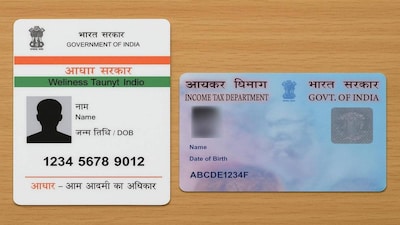
- •Don't forget to update contact details for insurance policies, EPF, NPS, Aadhaar, and income tax e-filing profiles to ensure access to services and important communications.
Key Questions Answered
For mutual funds, check the records maintained by your fund house or registrar and transfer agent. For instance, CAMS offers an online option to update your email or mobile number across eligible mutual fund folios serviced via its platform, and SEBI advises informing brokers or depository participants of any changes.
UPI apps rely heavily on the mobile number linked to your bank account, and leaving an old number active can cause access and transaction issues. Furthermore, apps like Google Pay, PhonePe, Paytm and BHIM depend on your registered mobile number to verify accounts, meaning a mismatch can prevent sending or receiving payments.
The Income Tax Department lets registered users view and update their mobile number and email through the My Profile section with verification steps. Meanwhile, UIDAI permits mobile number updates through the Aadhaar app under specified circumstances, though individuals without access to their old number may need to visit an authorized centre or Aadhaar Seva Kendra.