Stories
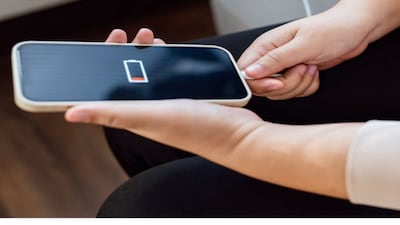
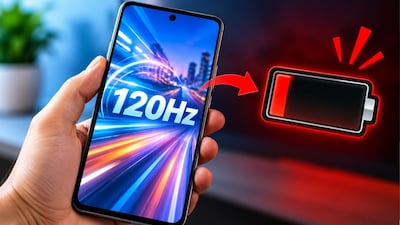
Phone Battery Draining Fast? Change These Settings Now for Longer Life!
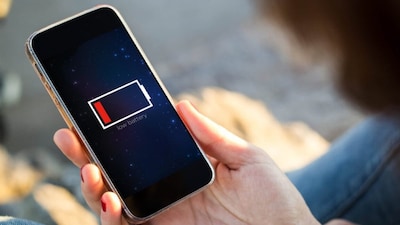
- •Turn off auto-brightness; this feature often makes the screen brighter than needed, draining battery quickly. Manually set brightness to low or medium.
- •Restrict background apps; apps running in the background secretly consume battery. Force stop unused apps or disable their background usage in settings.
- •Manage location and Bluetooth; habitually turn off location, Wi-Fi, and Bluetooth when not in use, as they continue to drain power.
- •Minimize vibration; phone vibration and haptic feedback use significant battery. Turn them off or reduce their frequency.
- •Optimize power-hungry apps; for apps like Facebook and Snapchat, use their light versions or access them via a browser to save battery.
Key Questions Answered
Most people keep auto-brightness on, but it often makes the screen brighter than necessary, causing the battery level to drop quickly. For good battery backup, you should always set the brightness manually to low or medium, and only increase it when intense light is genuinely required.
After you use and close an app from the screen, it often continues running secretly in the background and consumes power. To prevent this, go to your phone settings, check battery usage, force stop unhelpful apps, or completely restrict their background usage so they close immediately upon exiting.
Incoming notifications cause a small internal motor inside the phone to activate for vibration, which consumes a lot of battery power. Additionally, haptic feedback received while typing drains energy, meaning you should turn off or minimize frequent vibrations to preserve battery life.