Stories
Mobile Charge at 20%? No Charger? Instantly Activate These Settings!
N
News18•21-09-2026, 23:23
Mobile Charge at 20%? No Charger? Instantly Activate These Settings!
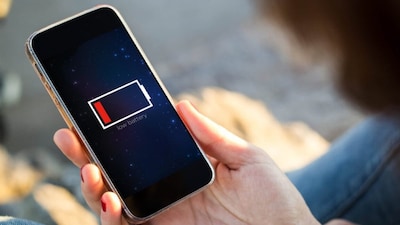
- •To extend smartphone battery life, utilize the built-in 'Battery Saver' or 'Power Saving Mode' feature.
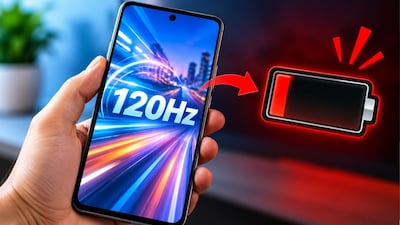
- •Battery Saver reduces background app activities, screen refresh rate, and sync activities to conserve power.
- •Access Battery Saver via the Quick Settings Panel or by navigating to Settings > Battery on most Android phones.
- •This feature is most effective when battery is low (15-20%) and a charger is unavailable; some phones offer automatic activation.
- •Adaptive Battery, display settings adjustments, and controlling background app activities also help in battery conservation.
Key Questions Answered
You can quickly turn on this feature by pulling down the Quick Settings Panel from the top of your screen and tapping the Battery Saver option. Alternatively, navigate to Settings, select Battery, and then choose Battery Saver or Power Saving Mode.
When Battery Saver is turned on, it restricts continuous background app activities, can reduce the screen refresh rate, limits sync functions, and slightly controls overall performance to extend remaining battery life.
The Adaptive Battery feature distinguishes between apps you use frequently and those you rarely open, helping manage background tasks and preventing seldom-used apps from draining excessive battery power.