Stories
Which Mobile Number is Linked to Your Aadhaar Card? Find Out in 2 Minutes!

N
News18•03-10-2026, 17:56
Which Mobile Number is Linked to Your Aadhaar Card? Find Out in 2 Minutes!
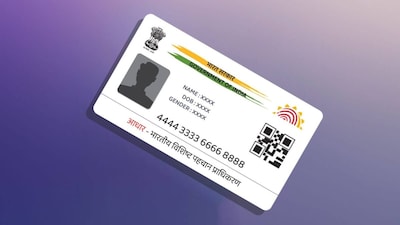
- •Aadhaar card is one of the most important identity documents in the country.
- •It is essential for various tasks, from government schemes to buying a SIM card.
- •Linking your mobile number with Aadhaar is crucial for authentication and receiving OTPs.
- •You can easily find out which mobile number is linked to your Aadhaar using UIDAI's official portal.
- •Visit the UIDAI portal, select 'Check Aadhaar Validity', enter your 12-digit Aadhaar number and captcha to see the last few digits of the linked mobile number.
Key Questions Answered
You can check your linked mobile number by visiting UIDAI's official portal, going to the 'Check Aadhaar Validity' section, entering your 12-digit Aadhaar number and captcha, and viewing the last few digits of the registered phone number on the screen.
If the last digits of a mobile number are not visible on the screen after entering your details, it should be assumed that no mobile number is currently registered with your Aadhaar card.
Linking a mobile number is crucial because most online services, authentications, and government schemes require OTP verification, and not having a correct number updated can lead to serious problems when receiving OTPs.