Stories
Not Receiving OTP During Aadhaar Verification Here Is What To Do
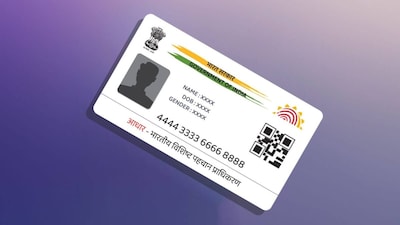
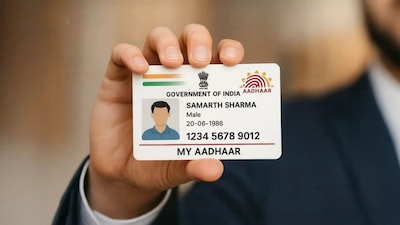
- •Aadhaar card is currently one of the most essential documents required for various verification processes.
- •Not receiving an OTP can halt important tasks like banking and online verification.
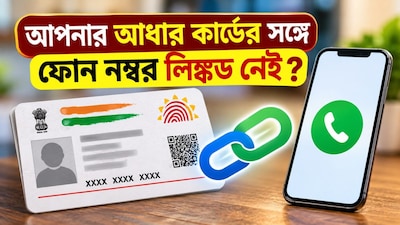
- •You can easily update your mobile number using the Aadhaar app or the official UIDAI website.
- •Alternatively, you can book an appointment on the UIDAI website and visit the nearest Aadhaar Seva Kendra.
- •Network issues or SMS delays can also cause OTP failures, so wait for a while before trying again.
Key Questions Answered
To update your mobile number using the Aadhaar app, open the app, find the mobile number update option, complete the verification via face scan or OTP, enter your new mobile number, pay the required fee, and submit your application.
If you do not receive the OTP, first verify that you entered the correct mobile number and check for network issues or SMS delays by waiting and trying again. If the issue persists, check your registered mobile number status and follow the update process if needed.
Visit the official UIDAI website, select 'Book an Appointment' under Aadhaar services, choose your nearest Aadhaar Seva Kendra, select an available date and time, and submit your request after thorough verification before visiting the centre on schedule.