Stories
Understanding the Frozen Screen UPI Scam and How to Protect Your Phone
C
CNBC TV18•13-10-2026, 09:32
Understanding the Frozen Screen UPI Scam and How to Protect Your Phone
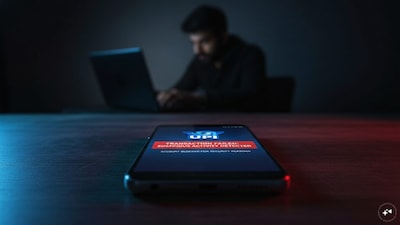
- •Cybercriminals use fake error alerts and frozen phone screens to create panic and trick users into granting remote device access.
- •Scammers pose as bank representatives and persuade victims to download malicious APK files or screen-sharing tools.
- •Malicious apps exploit Android permissions to read SMS messages, monitor activity, and steal sensitive credentials like OTPs.
- •Fraudsters utilize AI tools like deepfakes and cloned voices to make impersonation attempts more convincing.
- •To stay safe, avoid installing unverified apps, never grant remote access, and report financial fraud immediately to helpline 1930.
Key Questions Answered
No. A screen can freeze because of an ordinary software or connectivity issue. The warning sign is an unsolicited caller or pop-up that uses the problem to pressure you into downloading an app, sharing access or disclosing sensitive information.
Verify it independently against your bank's official website or application before calling. Fraudulent numbers can appear in online results, so a number returned by a search or AI assistant should not, by itself, be treated as authentic.
Recovery is not guaranteed, but reporting quickly can improve the chances of intervention. Call 1930, inform your bank and submit a complaint at cybercrime.gov.in, keeping the transaction reference, amount, and relevant messages ready.