Stories
One Earbud Low Volume? The Solution is Hidden in Settings! Find Out Now
N
News18•29-09-2026, 08:31
One Earbud Low Volume? The Solution is Hidden in Settings! Find Out Now
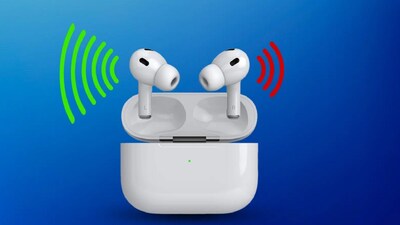
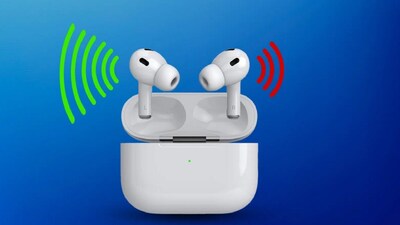
- •If one earbud's volume is low, try these tips before buying new ones.
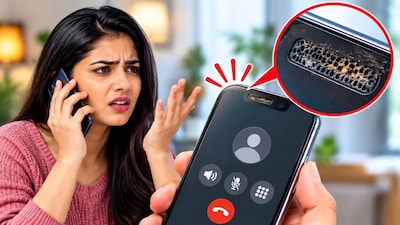
- •Clean accumulated dirt, earwax, or debris from the earbud, as this is a common cause of low volume.
- •Ensure you are using the correct size ear-tips, as improper fit can lead to low sound and external noise.
- •Check your phone's Audio Balance settings to ensure the Left-Right slider is centered.
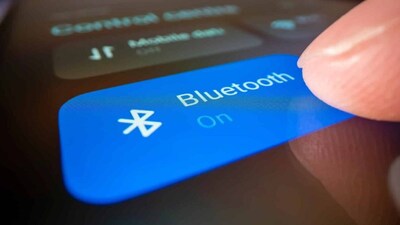
- •If problems persist, reset and re-pair your earbuds, as old Bluetooth connections can cause volume issues.
Key Questions Answered
First, test the earbud in your other ear or connect it to an alternative phone to see if the volume issue persists.
On Samsung phones, navigate to Settings > Accessibility > Hearing Enhancements to check the audio options. On Vivo phones, go to Shortcut and Accessibility > Accessibility > Audio Adjustment to modify the left-right balance slider.
Gently clean accumulated dirt and debris using a soft, dry cloth or a cotton swab on the mesh. Avoid using any sharp objects during the cleaning process, as they can cause permanent damage to the earbud.