Stories
Earbud Sound Low? Don't Buy New Yet! Try These Tips to Save Money
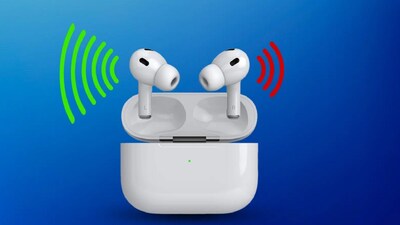
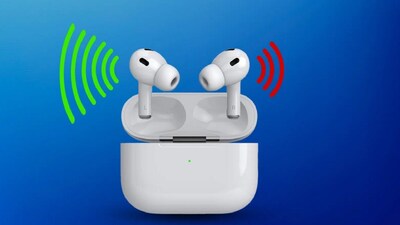
- •If one earbud's sound is low, don't rush to buy new ones; try these tips to fix the issue and save money.
- •Clean accumulated dirt, earwax, or debris from the earbuds, as this is a common cause of low sound.
- •Check and change ear-tips to ensure a proper fit, which can significantly improve sound quality and seal.
- •Verify your phone's Left-Right Audio Balance setting; ensure the slider is centered in Accessibility options.
- •Reset and re-pair your earbuds by forgetting them in Bluetooth settings, then reconnecting them.
Key Questions Answered
Accumulated dust, earwax, or debris inside the earbuds or on the mesh is the most common reason for low sound. You can gently clean them using a soft, dry cloth, a soft brush, or a cotton swab. Avoid using sharp objects to prevent damaging the earbuds.
Open your phone's Accessibility or hearing-related settings to check the Audio Balance. Ensure the Left-Right slider is positioned in the middle. On Vivo phones, this is typically found under Shortcut and Accessibility > Accessibility > Audio Adjustment, while Samsung users can navigate to Settings > Accessibility > Hearing Enhancements.
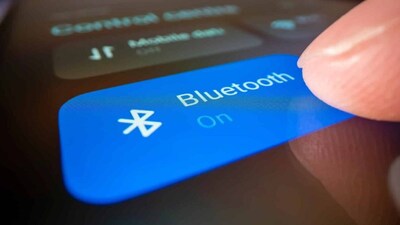
Go to your phone's Bluetooth settings, find the earbuds device list, and select 'Forget' or 'Unpair'. Afterward, turn your Bluetooth off, turn it back on, and pair the earbuds again to resolve potential connection glitches.