Stories
Facebook Account Hacked? Regain Access in Minutes with These 5 Steps
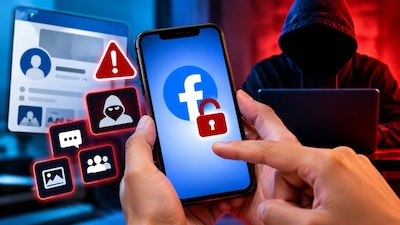
- •To recover a hacked Facebook account, visit facebook.com/hacked.
- •Use any device previously logged into Facebook and try associated mobile numbers or emails.
- •If access is regained, immediately change your password via Settings and privacy > Accounts Center > Password and security.
- •If you still can't access, identify your account at facebook.com/login/identify.
- •If self-service options fail, contact the Facebook Grievance Officer at fbgoindia@support.facebook.com.
Key Questions Answered
Common signs include unauthorized posts, comments, or messages, as well as unexpected changes to your profile picture, password, or contact details. You might also experience two-factor authentication failing to work, receive unfamiliar login alerts, notice logins from strange locations, or find email addresses and mobile numbers added or removed without permission.
If you suspect your account has been compromised, you should visit Facebook's hacked account recovery page at facebook.com/hacked using a phone, computer, or any device you previously used to log into Facebook.
If self-service recovery options do not work, you can contact Facebook's Grievance Officer by sending an email to fbgoindia@support.facebook.com or by mail to their postal address located at Meta Platforms, Unit 28 and 29, The Executive Centre, Level 18, DLF Cyber City, Building No. 5, Tower A, Phase III, Gurgaon 122002, India.