Stories
WhatsApp Privacy: Control Who Sees Your Photo & Status! Learn 5 Key Settings

N
News18•27-09-2026, 13:33
WhatsApp Privacy: Control Who Sees Your Photo & Status! Learn 5 Key Settings
- •It's crucial to prioritize security and privacy on WhatsApp, especially when sharing sensitive information.
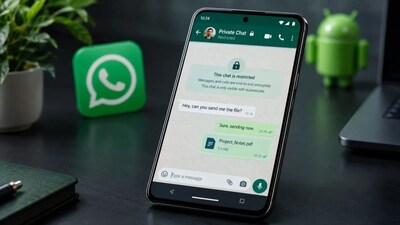
- •The Chat Lock feature allows you to hide private chats from others, moving them to a 'Locked Chats' folder.
- •You can lock the entire WhatsApp app with Fingerprint, Face ID, or a password, securing your conversations.
- •Use the 'View Once' feature for photos, videos, or voice messages that disappear after being viewed and cannot be saved or screenshotted.
- •Customize your Status audience to control who can see your updates, ensuring privacy for your shared content.
Key Questions Answered
To lock a chat, go to the profile of the chat you want to secure on Android or iPhone, scroll down, and select the Lock Chat option. Once enabled, the locked chat moves to a hidden Locked Chats folder.
The View Once feature lets you send personal photos, videos, or voice messages that disappear from the chat after being viewed once. Recipients cannot save this media to their gallery, nor can they take screenshots or screen recordings.
Yes, you can manage the audience for your Status by selecting who is allowed to view your updates. Additionally, you can mention specific people or groups in your Status, and they can share it with their own audience.