Stories
Not receiving the 210 rupees LPG subsidy? Check status easily from home
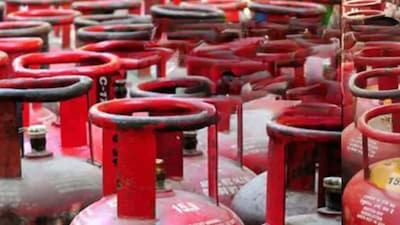
- •If you are not receiving your gas cylinder subsidy, you can easily check the status from home using your mobile or computer.
- •Visit the official portal mylpg.in, select your gas company, and check the subsidy related PAHAL section to view payment details.
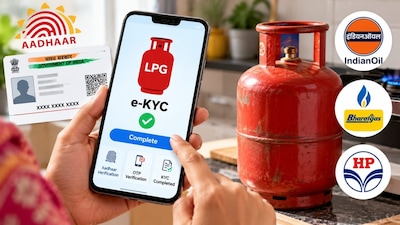
- •Main reasons for halted subsidies include inactive DBT in bank accounts, unlinked Aadhaar, incomplete e-KYC, or mismatched account details.
- •If all documents and verifications are correct but the subsidy is still pending, you can register a complaint via the toll-free helpline number of your gas company.
Key Questions Answered
You can check your subsidy status online by visiting the official portal mylpg.in, selecting your gas company icon, clicking 'Give your feedback online', and choosing 'Subsidy Related - PAHAL' after selecting the 'LPG' category. Alternatively, platforms like the UMANG app or official gas company mobile apps can be used to view or download your complete subsidy and refill history statements.
Common reasons include incomplete e-KYC by the gas agency, unlinked Aadhaar with the bank account, or Direct Benefit Transfer (DBT) not being enabled. Other issues involve discrepancies between the name in gas records and bank account details, or transactions being disabled or frozen on the designated subsidy account.
If your documents, e-KYC, and bank linking are all accurate and your subsidy is still not coming into your account, you should register a complaint by contacting the toll-free helpline number of your respective gas company. You can also consult your bank branch to ensure DBT credits are functioning properly or reach out to your local LPG distributor.