Stories
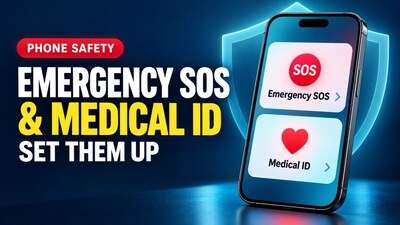
Unlock Lifesaving Features: Set Up Emergency SOS and Medical ID Now!
N
News18•02-10-2026, 14:23
Unlock Lifesaving Features: Set Up Emergency SOS and Medical ID Now!
- •Your smartphone can share critical medical information and call for help even when locked, potentially saving your life in an emergency.
- •Medical ID stores vital details like blood group, allergies, and emergency contacts, accessible from your lock screen without unlocking the phone.
- •Emergency SOS allows quick calls to emergency services and alerts your emergency contacts with your location after the call ends.
- •Setting up these features takes only about five minutes on both Android phones and iPhones, yet most people never do.
- •Remember to add at least two emergency contacts, test your setup, and encourage family members, especially older parents, to enable these crucial settings.
Key Questions Answered
Open the Health app, tap your profile picture, and select Medical ID to enter details like allergies, medications, and emergency contacts. Ensure the Show When Locked option is enabled so first responders can access the information from your lock screen.
Go to Settings, select Emergency SOS, and turn on features like Call with Hold and Release or Call with 5 Button Presses. This lets you quickly contact emergency services and alert your emergency contacts with your location.
Navigate to Settings, select Safety and emergency, and then input your medical information, emergency contacts, and enable Emergency SOS. On most Android devices, pressing the power button five times quickly triggers an emergency call.