Stories
Smartphone Camera Photos Blurry? Change These Settings for Crystal Clear Shots!
N
News18•04-10-2026, 10:26
Smartphone Camera Photos Blurry? Change These Settings for Crystal Clear Shots!
- •If your smartphone camera photos are not turning out well, it might be due to incorrect settings rather than a hardware fault.
- •Dirt, oil, or dust on the lens can cause blurry photos; clean the lens with a microfiber cloth.
- •Check camera app resolution and frame settings, and always keep HDR mode set to auto.
- •Accidentally enabling macro mode or manual focus can lead to blurry normal photos; reset settings to default.
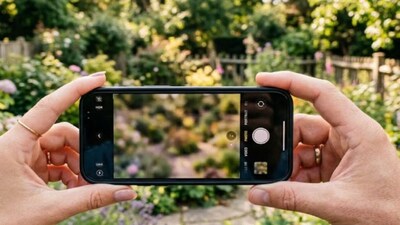
- •Use grid lines, focus lock, and image stabilization (OIS/EIS) to prevent blurry photos caused by hand movement.
Key Questions Answered
Dirt, oil, or dust particles accumulating on the rear camera glass from pockets and hands can prevent light from entering properly, resulting in unclear photos. Additionally, low-quality tempered glass or camera protectors can cause poor focus.
You should check the camera resolution and frame settings to ensure they are not set to low-quality mode. Keep the HDR mode set to auto, and turn off mistakenly enabled macro mode or manual focus so the camera can properly focus on normal shots.
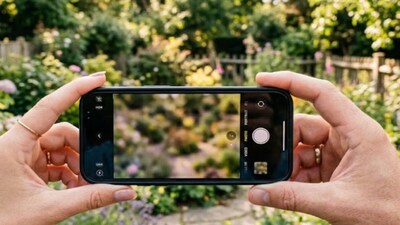
To prevent blur from hand movement, turn on grid lines in your camera settings for better framing, tap the screen on your subject to lock focus, use night mode in low light, and always keep image stabilization active.