Stories
Top USB-C Hubs Under ₹1,400: Expand Your Laptop's Connectivity Safely
N
News18•02-10-2026, 08:00
Top USB-C Hubs Under ₹1,400: Expand Your Laptop's Connectivity Safely
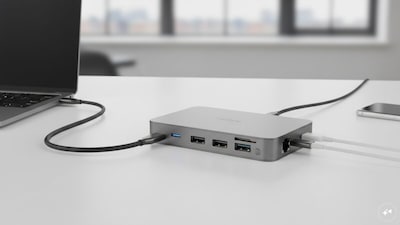
- •Modern laptops often lack sufficient ports, making USB-C hubs essential for connecting multiple peripherals like monitors, pen drives, and SD cards.
- •Key factors to consider when buying a USB-C hub include port types, data speeds, HDMI resolution, Power Delivery support, and build quality (metal bodies dissipate heat better).
- •Seven top USB-C hubs under ₹1,400 are recommended, covering basic USB expansion to 10-in-1 workstation connectivity.
- •Featured hubs include the Zebronics CT101 Plus (best overall), Amazon Basics Pro Series (best for 4K 60Hz), Honeywell 5-in-1 (best for charging), Verilux 7-in-1 (best for card readers), Portronics Mport 41 (best for wired internet), UltraProlink UL1206 (best compact premium-build), and UGREEN 4-port USB-C Hub (best for multiple USB accessories).
- •Important considerations before purchase include checking your laptop's USB-C port capabilities (e.g., DisplayPort Alt Mode), understanding Power Delivery, choosing appropriate 4K refresh rates, and prioritizing the ports you actually need.
Key Questions Answered
The Zebronics CT101 Plus 10-in-1 is highlighted as the best overall choice, offering 10 ports, a metal body, 100W PD support, and HDMI output for a discounted price of Rs 1,199.
The Portronics Mport 41 provides a Gigabit Ethernet port supporting up to 1000Mbps, making it ideal if you need a reliable wired network connection.
You need to check your laptop specifications because basic USB data functions are widely compatible, but HDMI output and charging depend entirely on whether your laptop's USB-C port supports features like DisplayPort Alt Mode.