Stories
How to Show Single Tick on WhatsApp Without Turning Off Data? Easy Way Revealed!
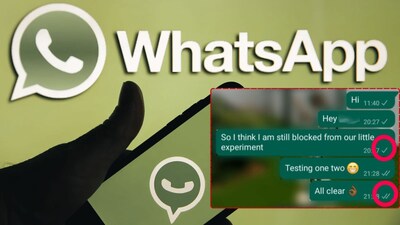
- •WhatsApp's Proxy feature allows users to take a break from messages without turning off mobile data or Wi-Fi.
- •Enabling Proxy does not disconnect your phone's internet; you can still use other apps like Chrome or YouTube.
- •If the Proxy server doesn't communicate properly with WhatsApp, new messages may not arrive immediately, showing a single tick to the sender.
- •To enable Proxy, go to WhatsApp Settings > Storage and Data > Proxy, then enable 'Use Proxy' and enter a reliable Proxy address.
- •The '1.1.1.1' trick is not an official WhatsApp Proxy; users should verify its functionality and use IP addresses from trusted providers.
Key Questions Answered
You can enable the Proxy feature by navigating to Settings, selecting Storage and Data, going to Proxy, and turning on the 'Use Proxy' option using details from a reliable provider. If WhatsApp's server does not communicate properly through the Proxy, messages may not reach you immediately, causing senders to see a single tick while your mobile data or Wi-Fi remains active.
To enable a Proxy, open WhatsApp, go to Settings, tap on Storage and Data, select Proxy, and turn on the 'Use Proxy' option. You will need to enter the specific Proxy address and port details obtained from a reliable provider.
To restore normal WhatsApp functionality, go back to Settings, select Storage and Data, click on Proxy, and turn off the 'Use Proxy' option. WhatsApp will then automatically resume using your phone's direct internet connection.